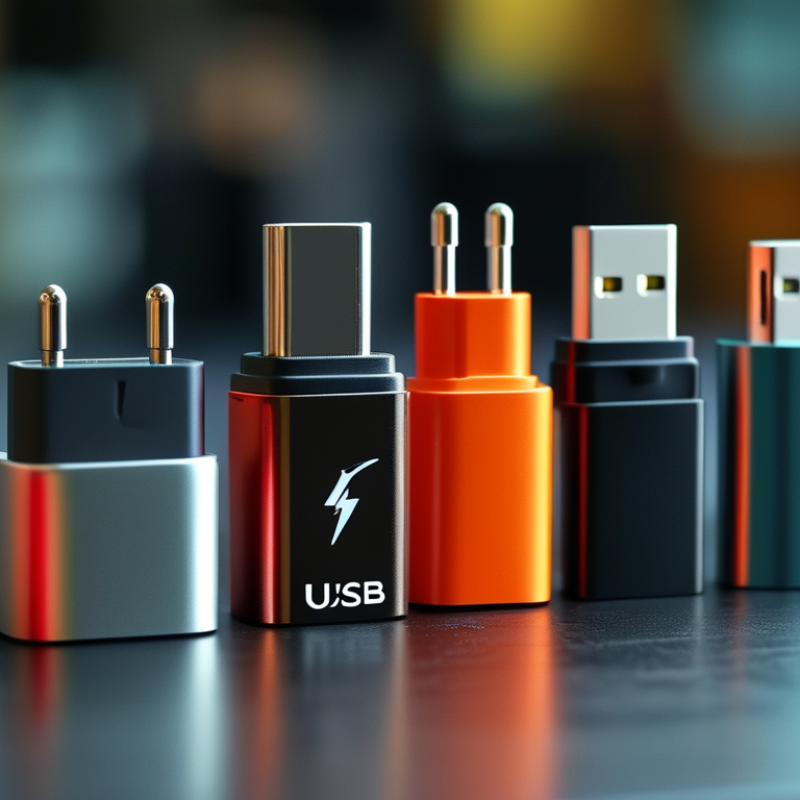
Ultimate Guide to Different USB Charger Types Explained
Understanding USB Charger Types is essential in today’s tech-driven world. With the rapid proliferation of devices, choosing the right charger can be challenging. John Smith, a renowned expert in mobile technology, emphasizes, "Selecting the correct USB charger can significantly impact your device’s performance and longevity."
Various USB charger types exist, each designed for specific needs. For instance, USB-A, USB-C, and micro-USB all serve different functions. USB-C is increasingly popular for its fast charging capabilities and versatility. However, consumers often remain confused about compatibility and efficiency.
This guide aims to clarify these complexities. It will explore each USB charger type, offering insights into their specifications and uses. While technology progresses, taking the time to research can enhance your device's experience. Remember, not every charger suits every device, so knowledge is key.
Overview of USB Charger Types and Specifications
Understanding USB charger types is essential for effective device charging. USB chargers vary in design, voltage, and power output. The most common types include USB-A, USB-B, and USB-C. Each type has distinct characteristics, making them suitable for different devices.
USB-A is the traditional connector. It's widely used for chargers and cables. USB-C, a newer technology, supports faster charging and data transfer speeds. With its reversible design, it's more user-friendly. Many new devices now adopt USB-C for its versatility.
When choosing a charger, always consider wattage and compatibility with your device. Not all chargers provide the same power output. It's a common mistake to use a low-watt charger for a high-watt device. That can lead to slower charging times.
Check the specifications before purchasing a charger. Ensure it matches your device's requirements. Staying informed helps you avoid charging issues. Charging cables also play an important role; always use reputable options. Poor quality cables can cause malfunctions or damage your device.
USB Standards: Understanding Different Versions and Their Capabilities
Understanding USB standards is crucial for selecting the right charger. USB technology has evolved significantly over the years. Different versions offer varied capabilities, impacting charging speed and compatibility. USB 2.0 is the oldest standard, providing basic functionality. It charges devices slowly, but it's still widespread in many gadgets.
USB 3.0 and 3.1 introduced faster data transfer rates and improved power delivery. These versions can charge devices more rapidly, making them ideal for modern smartphones and tablets. USB-C is the latest standard, supporting high power levels and reverse charging. It has become the go-to choice for many new devices.
When selecting a charger, consider the device's requirements. Check specifications to avoid underpowering your gadgets. A high-capacity charger works with multiple devices efficiently. However, avoid overloading your charger. Not every USB cable supports fast charging, so choose wisely. Using the right cable ensures the best performance.
Types of USB Connectors: A Comprehensive Breakdown
When discussing USB connectors, it's essential to recognize the variety that exists today. USB Type-A is the classic rectangular connector, commonly found on computers and chargers. Its simplicity makes it widely accepted, but it lacks the advanced features of newer types. USB Type-B is often used for printers and other peripherals, with a square shape that aligns its function.
In recent years, USB Type-C has gained popularity. It offers a reversible design, allowing users to plug it in any way. This connector can support faster data transfer and higher power delivery. It is becoming the standard for smartphones and laptops alike. However, not all USB-C implementations are the same, leading to some confusion about compatibility.
Micro-USB connectors, while becoming less common, are still seen in many devices. They have a smaller size than their Type-A counterparts, making them ideal for portable electronics. However, users might struggle with the durability of these connectors over time. Overall, understanding each connector's specifics can help consumers make informed decisions about their charging and data transfer needs.
USB Charger Connector Types
Key Features and Benefits of Each USB Charger Type
When exploring USB charger types, understanding their key features and benefits becomes essential. Wall chargers provide a stable power source for stationary devices. Their compact design makes them ideal for home or office use. Most wall chargers support rapid charging, giving devices a quick power boost. However, compatibility with multiple devices can vary, leading to potential charging issues.
Car chargers are designed for convenience on the go. They utilize the vehicle's power system to charge devices quickly. The portability factor makes them perfect for travelers. However, not all car chargers deliver the same wattage. This inconsistency can be frustrating when time is of the essence. It’s essential to check the power output to ensure optimal performance.
Wireless chargers are revolutionizing the way we think about charging. They offer a clutter-free solution without tangled cords. Users simply place their devices on the charging pad. Yet, the charging speed can be slower than wired options. Additionally, not all cases are compatible, which adds confusion. Regularly checking device compatibility is necessary to maximize efficiency.
Choosing the Right USB Charger for Your Devices
When selecting a USB charger, understanding your device's power requirements is critical. Different devices, from smartphones to tablets, have varying power needs. A smartphone typically requires less power compared to a tablet or a laptop. Using the wrong charger can lead to inefficient charging or even damage your device over time.
Consider the charging speed too. Fast chargers can significantly reduce charging time. However, not all devices support fast charging. This discrepancy sometimes goes unnoticed, leading to frustration for users. Using a charger that matches your device’s specifications ensures optimal performance.
It’s also important to consider the type of USB connector. There are various standards, like USB-A, USB-C, and Micro-USB. Each serves different purposes. Misunderstanding these types can result in incompatibility. Many users find themselves frustrated when their chargers don’t fit. So, always check your device's connector before making a purchase. Choosing the right USB charger requires a blend of knowledge about your device’s needs and the charger’s specifications.
Ultimate Guide to Different USB Charger Types Explained - Choosing the Right USB Charger for Your Devices
| Charger Type | Output Power (W) | Charging Speed (0-100%) | Compatibility | Typical Use Case |
| Standard USB Charger | 5W | ~3-5 hours | Smartphones, Basic Devices | Daily device charging |
| Fast Charging USB Charger | 18W | ~1-2 hours | Smartphones, Tablets | Quick top-ups during the day |
| USB-C Power Delivery Charger | 30W | ~1 hour | Laptops, Power-hungry Devices | Charging laptops and larger devices |
| Wireless Charger | 10W | ~3-4 hours | Smartphones with Qi support | Convenient charging without cables |
| Multi-port USB Charger | 60W | Varies by port | Multiple Devices | Family or office charging needs |